
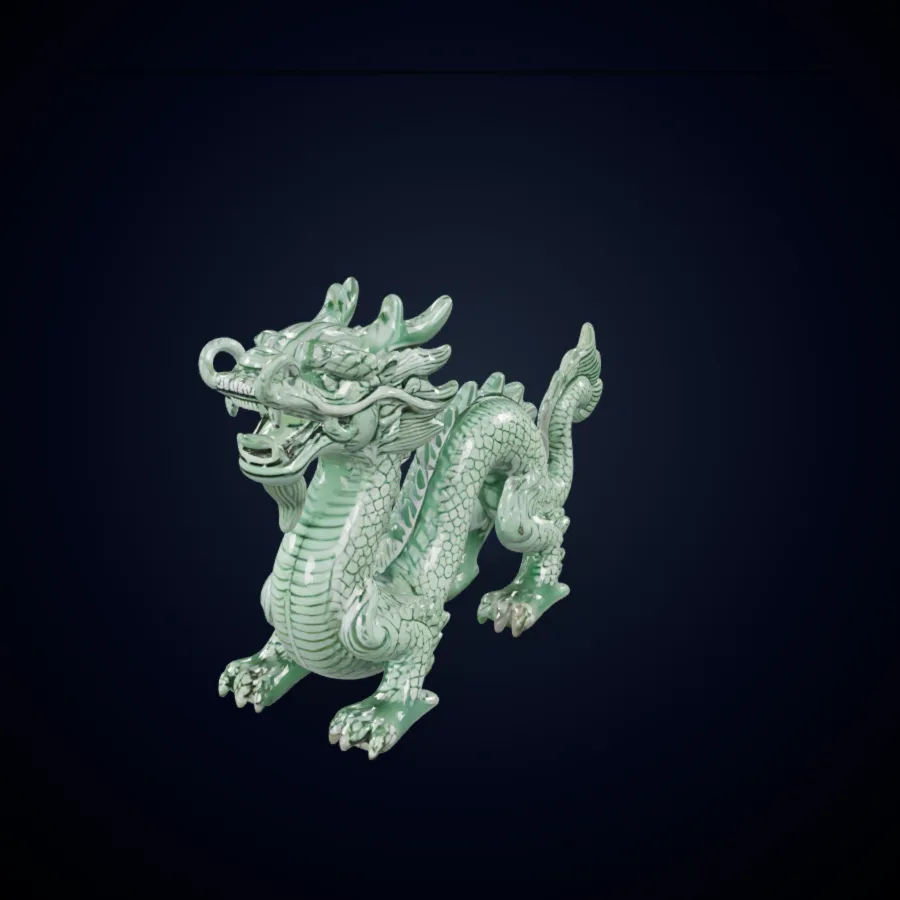
GLB Preview
Dragon
A Trellis 3 AI creature sculpt with layered scales and PBR shading.
Upload a photo or type a prompt, and Trellis 3 AI builds a textured 3D model you can preview and download.
Trellis 3 is a browser-based studio that turns flat references into structured 3D assets. It pairs a dedicated image to 3D pipeline with prompt-driven modeling, so you skip the blank-canvas stage and begin from a usable Trellis3 mesh.

Drop in a product shot, character sketch, or concept painting, and Trellis 3 AI reads its silhouette, depth cues, and surface color. The Trellis.3 image to 3D engine then rebuilds the hidden sides and returns a closed mesh with baked textures. Clean, front-facing references on plain backgrounds give Trellis 3 AI the clearest signal to work from.
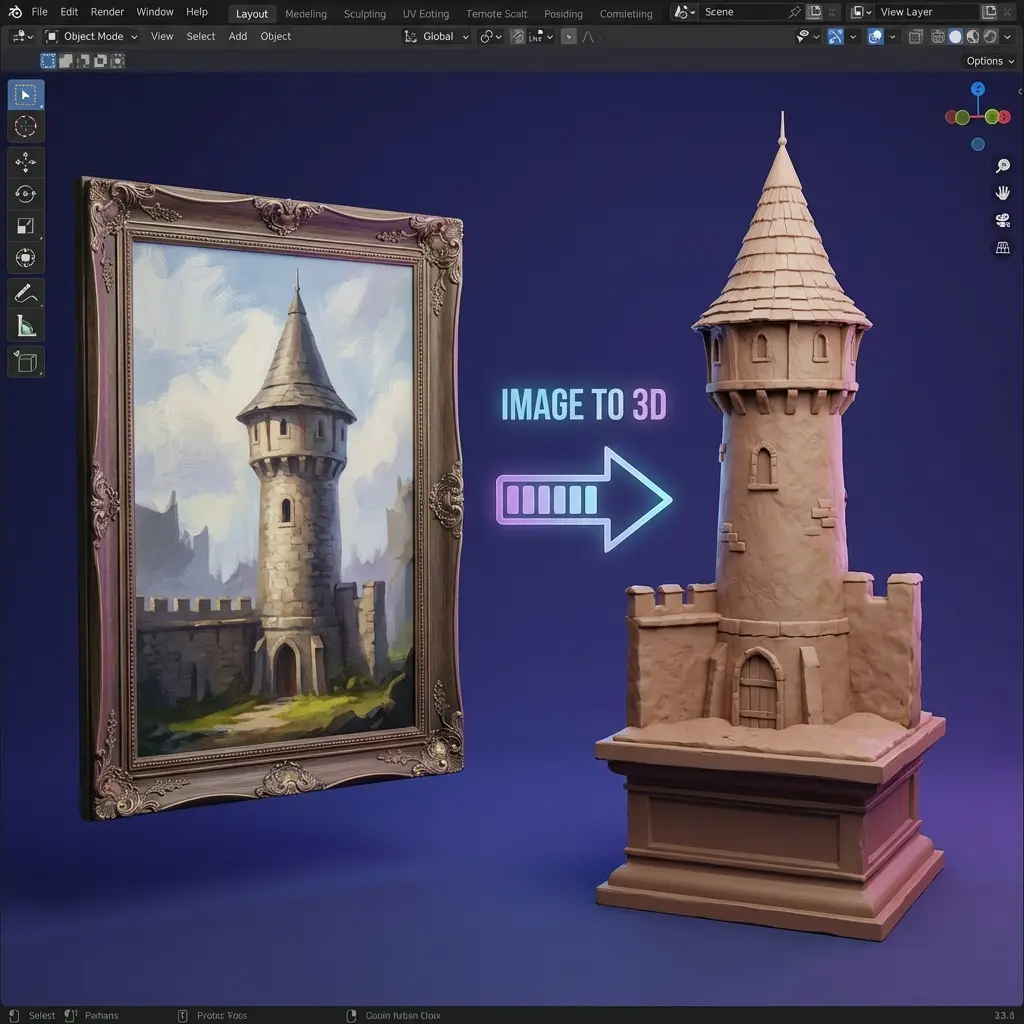
No reference yet? Describe the object in plain English, including materials, era, mood, and proportions, and Trellis 3 AI drafts a matching model. It is a quick way to compare several directions for a prop or toy before anyone opens a sculpting tool. Many Trellis3 users write five short prompts, keep the strongest Trellis.3 result, and refine from there.
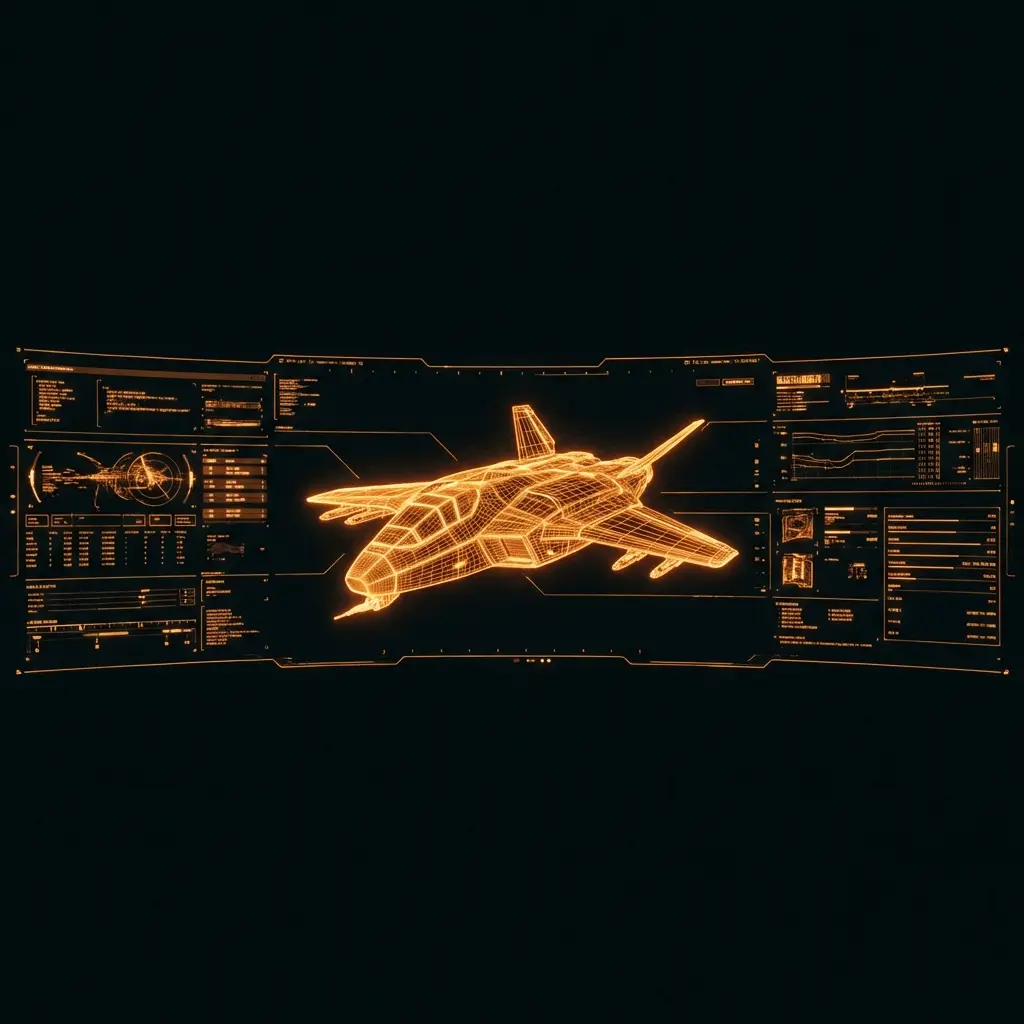
The Trellis 3.0 release organizes geometry and appearance in a shared structured latent space, an approach popularized by open 3D research. In practice, Trellis 3.0 delivers sharper edges, steadier proportions, and textures that line up with the surface instead of smearing across it. Each Trellis.3 update targets cleaner topology and more faithful color.

A hand-built asset can cost a modeler days of blocking, retopology, UV unwrapping, and painting. Trellis 3 compresses that first draft into a few minutes, which frees artists to spend their energy on judgment calls such as style, scale, and final polish. Think of Trellis 3 AI as an assistant that hands you a solid starting point, not a replacement for craft.

Students, hobbyists, and studio teams share the same Trellis3 dashboard. Beginners get sensible Trellis 3.0 defaults, while experienced artists export straight into Blender, Unity, or Unreal and keep working. Your generation history stays in one place, so revisiting an earlier Trellis.3 result never means starting over.
Preview high-quality 3D model examples instantly, then load the interactive viewer on demand.
A Trellis 3 AI creature sculpt with layered scales and PBR shading.

A hard-surface Trellis3 image to 3D result, ready for product reviews.
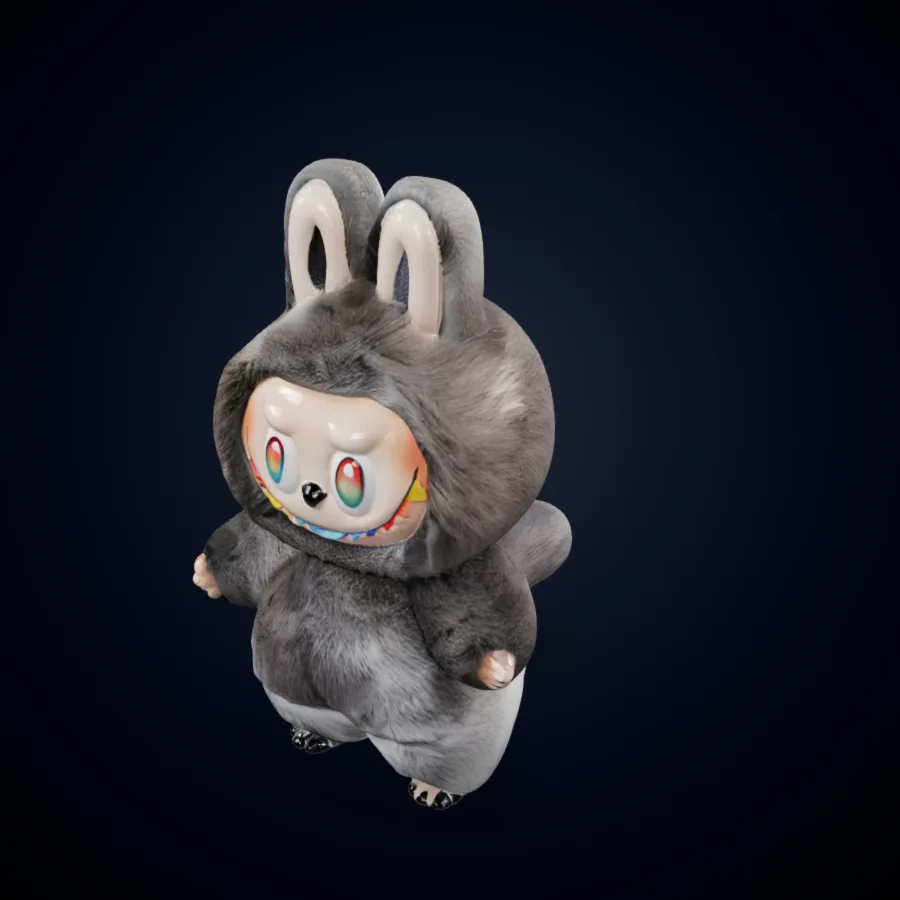
A soft character mesh from Trellis 3.0, clean enough for fast prototyping.
From upload to download, the Trellis 3 workflow fits inside a coffee break. Here is the path most Trellis3 creators follow.
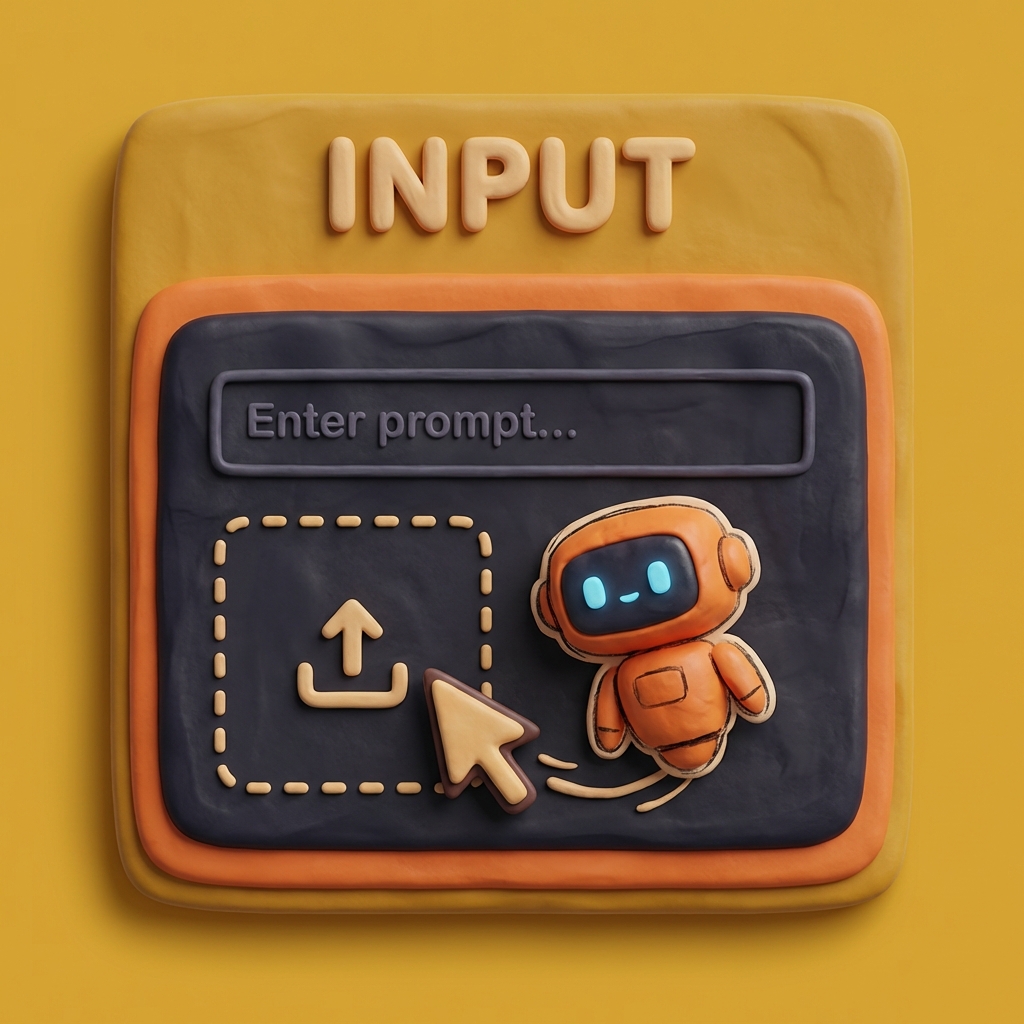
Choose the Trellis.3 image to 3D mode and upload a JPG, PNG, or WebP with one clear subject, or switch to prompt mode and describe what you need. Trellis 3 performs best when the object fills most of the frame and the lighting is even.
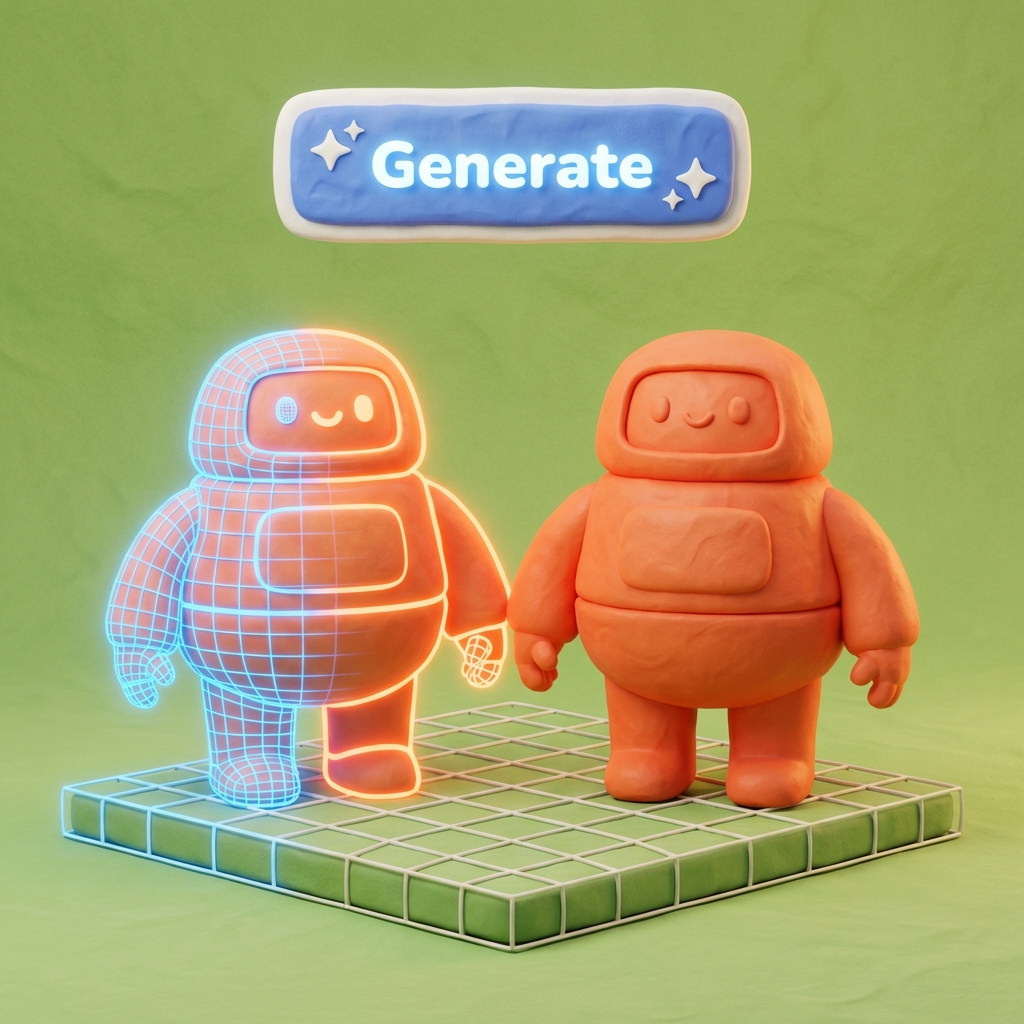
Press Generate, and Trellis 3 AI reconstructs shape, depth, and texture with the Trellis 3.0 engine in roughly one to three minutes. Rotate the live preview, inspect the back and sides, and run another Trellis.3 pass with an adjusted input if something looks off.
Export the finished Trellis 3.0 model as GLB, OBJ, FBX, or STL. Drop it into a game engine, a slicer for 3D printing, or a web viewer, then return to Trellis3 whenever the next idea arrives.

From indie games to classrooms, teams lean on Trellis 3 to move from reference to finished asset faster.
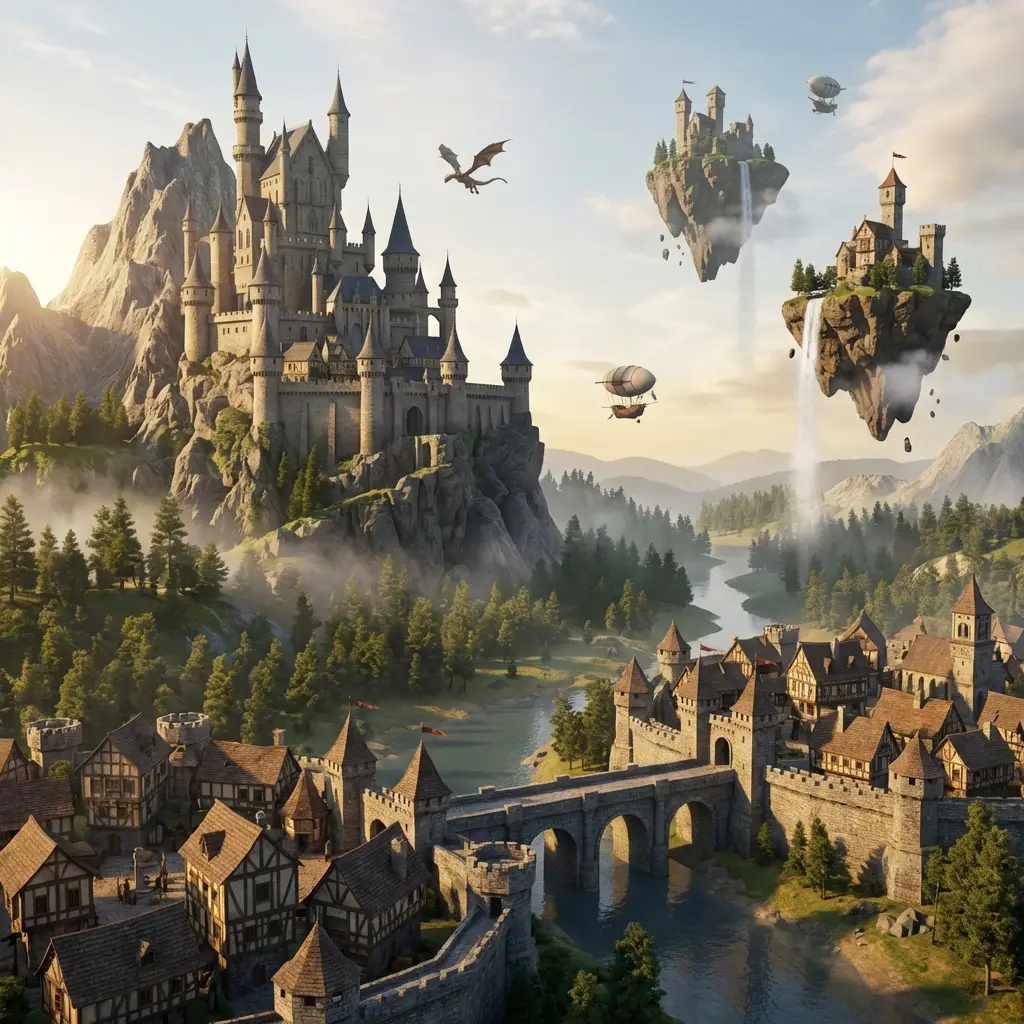
Fill levels with props, enemies, and loot by running concept art through Trellis 3 AI image to 3D.
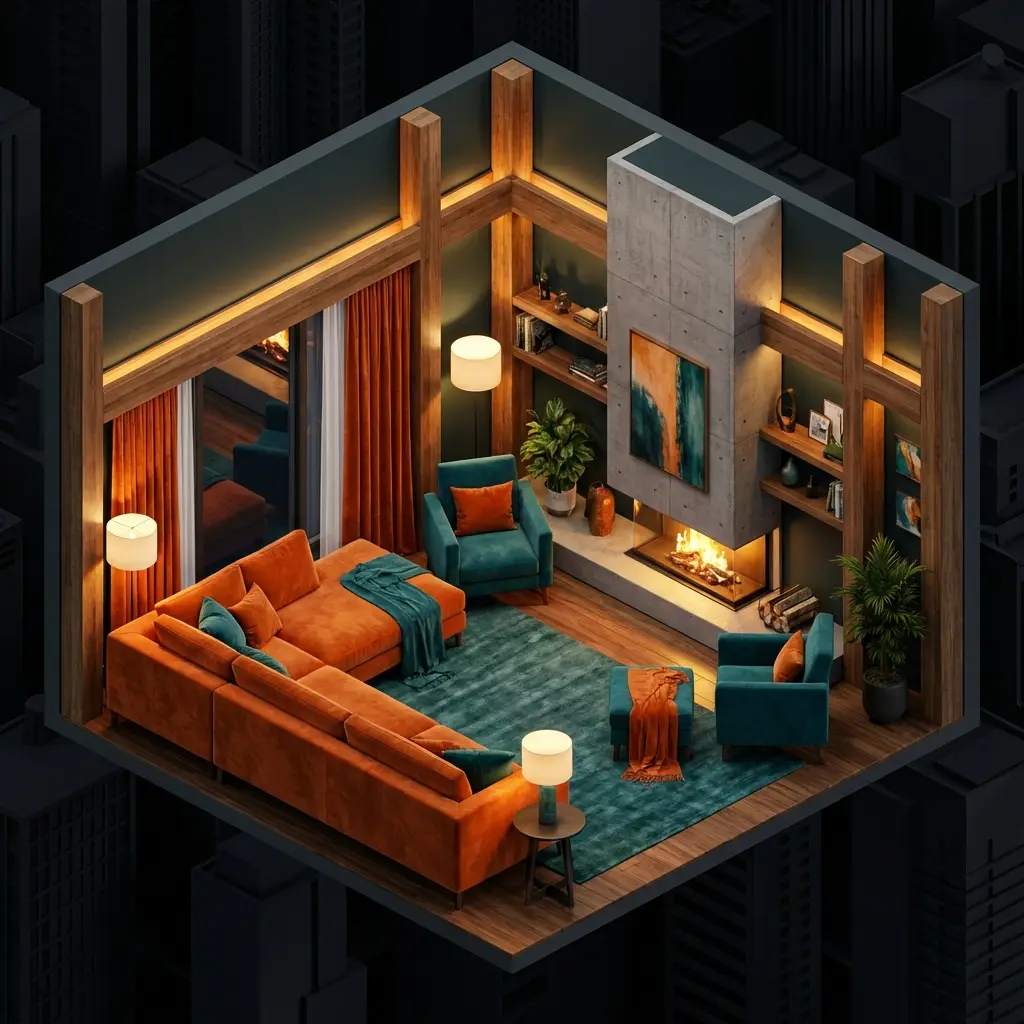
Mock up furniture and decor with Trellis.3 image to 3D from catalog photos, then show clients a furnished room the same day.

Turn sketches into Trellis 3.0 models to judge form and proportion before tooling costs arrive.
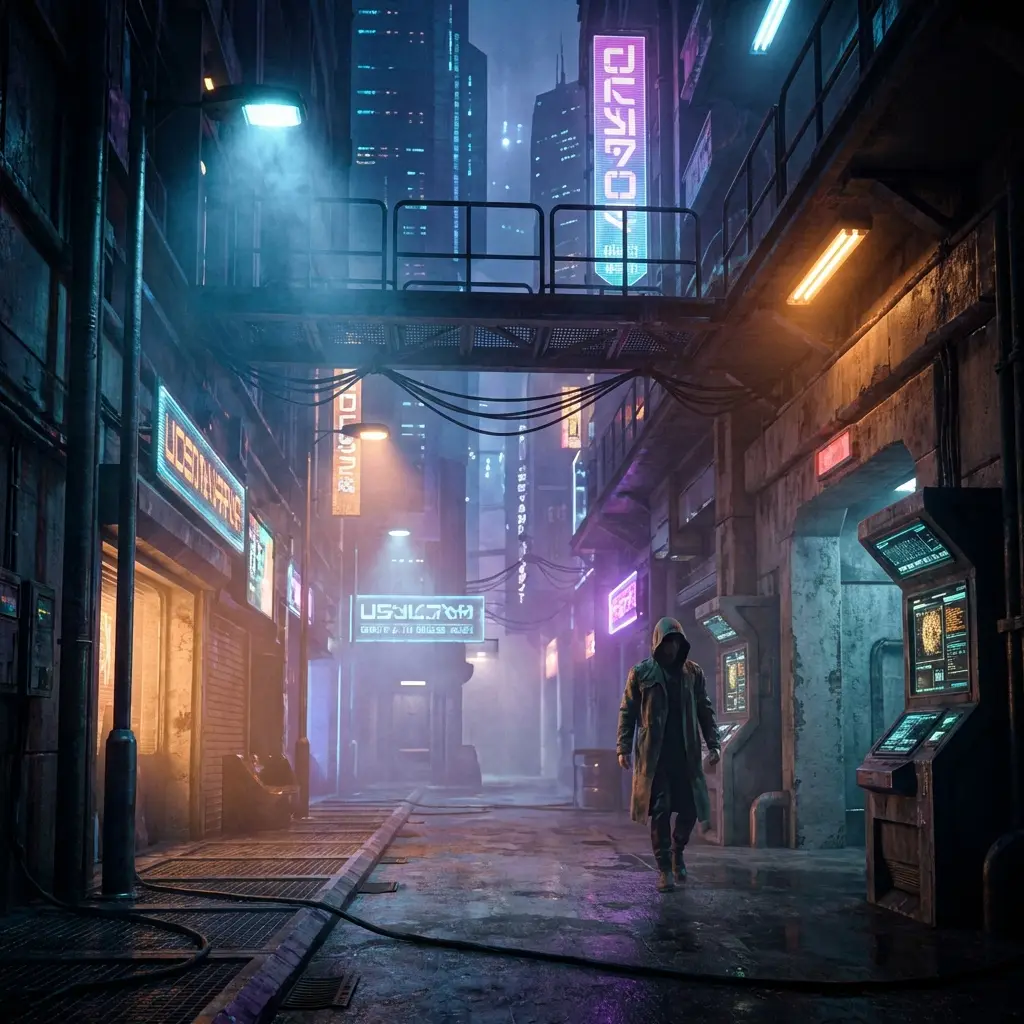
Give previs and look-dev artists stand-in geometry from Trellis 3 AI while final assets are still in progress.
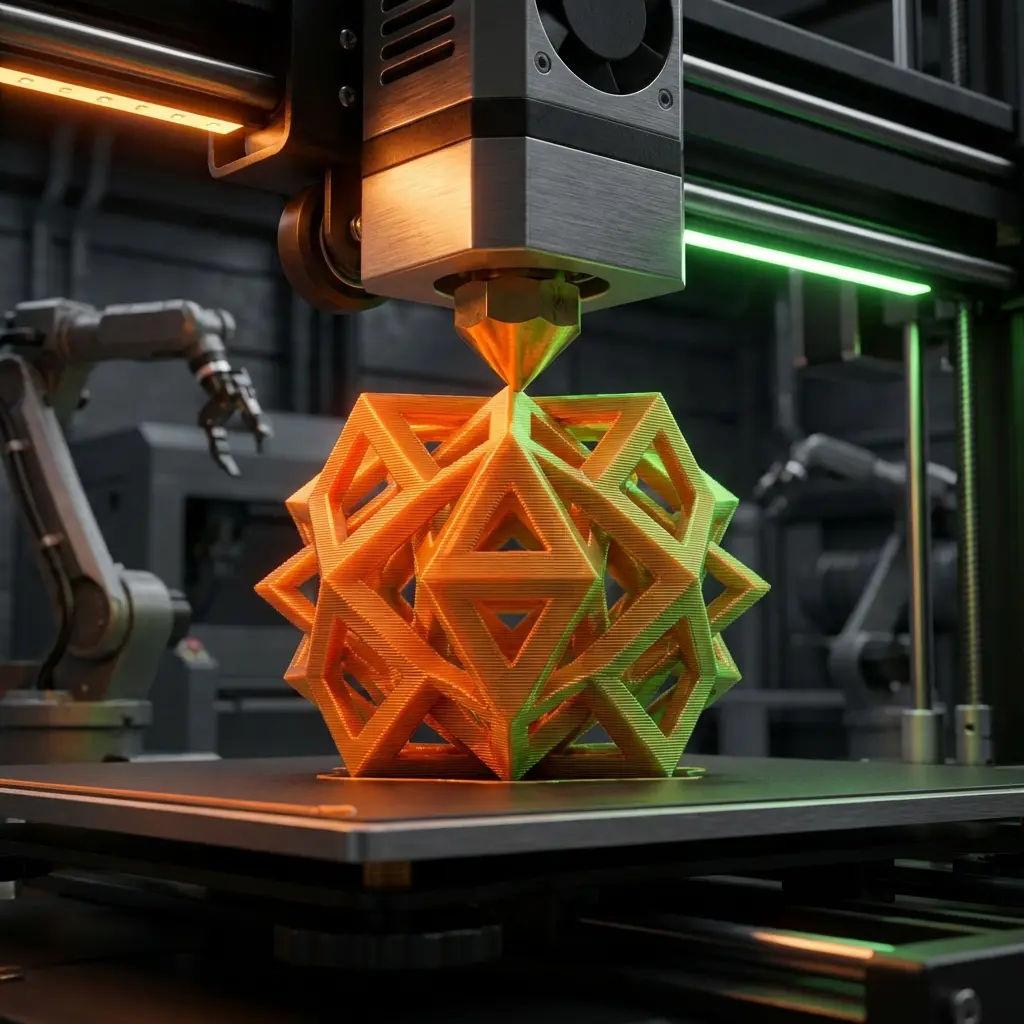
Export closed Trellis3 meshes as STL and send figurines, parts, and gifts straight to your slicer.

Build lightweight Trellis.3 image to 3D assets with PBR textures for headsets, mobile AR, and web viewers.

Let students use Trellis 3 AI image to 3D to turn drawings into models and learn form without a steep software curve.
Trellis 3 focuses on the details that decide whether a generated model is usable: clean shape, faithful color, and files that open anywhere.
Trellis 3 keeps the silhouette and color palette of your source picture, so the model looks like the object you uploaded rather than a loose interpretation. Fine details such as handles, trims, and printed labels survive the Trellis.3 image to 3D jump far more often.
The Trellis 3.0 engine produces watertight meshes with tidy topology, which makes remeshing, rigging, or slicing much less painful. Fewer floating fragments in each Trellis.3 mesh mean less cleanup before an asset enters production.
Trellis 3 AI bakes PBR-ready color maps that follow the surface instead of stretching across seams. Zoom in on the Trellis3 preview and you will see legible materials, not blurry patches.
Download Trellis3 results as GLB, OBJ, FBX, or STL and open them in Blender, Maya, Unity, Unreal, or your favorite slicer. There is no proprietary format and no extra conversion step.
New accounts receive free credits to test Trellis 3 AI on their own images. When a project grows, paid Trellis3 plans add more monthly credits without locking you into a long contract.
Trellis.3 hides technical settings behind sensible defaults, so a first-time Trellis 3 user can get a printable model in minutes. Professionals still get the clean Trellis3 exports and consistent results that client work demands.

Carved Tribal Totem

Spider-Suit Hero

Anime Swordfighter

Mech Scout

Concept Race Car

Sculpted Portrait Bust

Woodland Spirit

Isometric Diorama
Feedback from artists, developers, and designers who build with Trellis 3 AI every week.

Matthis Beute
Junior Environment Artist
I use Trellis 3 to block out environment props from my own concept sketches. The Trellis.3 image to 3D results give me a clean base mesh, so I spend my evenings on texturing and lighting instead of fighting topology.

Lukas Hartmann
Indie XR Developer
Our XR prototypes move faster with Trellis 3 AI. I snap a reference, run image to 3D, and check scale inside the headset before lunch. Trellis3 removed the modeling bottleneck from our sprints.

Evelise Nascimento
Product Designer
Trellis 3.0 helps me show stakeholders three physical directions for a product in a single meeting. Seeing the form in 3D settles debates that sketches never could.

Augustas Bøe
VFX Supervisor
For previs, Trellis 3 gives my team believable stand-in geometry within minutes. Trellis 3.0 drafts let us lock camera moves early and leave the hero assets to our modelers.

Olivia Pakkala
Architectural Visualizer
I turn client mood-board photos into quick Trellis.3 massing models. Clients grasp proportions instantly, and revisions happen while they are still in the room, which is why Trellis 3 is now part of every pitch.
Compare Trellis 3 subscriptions and one-time credit packs. Review the displayed price, credit allowance, renewal period, and model requirements before purchase.
Annual savings apply to the subscription price, not an equal credit allowance. Credits shown are the yearly total.
$119.40 billed annually
Save $119.40/year
Cost per 100 credits: $1.66
Essential features for personal use
Great for getting started with 3D generation
$479.40 billed annually
Save $479.40/year
Cost per 100 credits: $0.62
Premium features for power users
Most popular choice for power users
$239.40 billed annually
Save $239.40/year
Cost per 100 credits: $0.83
Advanced features for professionals
Perfect for professional creators
For any inquiries or assistance, please contact us: support@trellis3.net
Answers to the questions people ask most before creating their first Trellis 3 model.
Trellis 3 is an online AI 3D platform at trellis3.net that converts images and text prompts into textured 3D models. You upload a reference or type a description, Trellis 3 AI reconstructs the shape and surface, and you download a file ready for games, printing, or AR. No installation or local GPU is needed because Trellis3 runs entirely in the browser.
No. Trellis 3 is an independent product. Its Trellis 3.0 engine builds on publicly shared ideas from structured-latent 3D research, including the open-source TRELLIS project, but trellis3.net is not operated or endorsed by Microsoft.
When you upload a picture, Trellis 3 estimates depth and separates the subject from its background. The Trellis 3.0 engine then predicts the unseen sides, builds a closed mesh, and projects color onto it. For the best Trellis.3 image to 3D quality, use a sharp photo, a single subject, and soft shadows.
They all point to the same product. Trellis 3.0 is the current engine version, while Trellis3 and Trellis.3 are spellings many people type into search. Whichever name you use, you land in the same Trellis 3 workspace with the same credits.
Yes. Models you generate with Trellis 3 AI can be used in games, products, marketing, and prints. Review the Trellis3 terms page for details about free-tier usage and any third-party content you upload.
Trellis3 exports every Trellis 3.0 model as GLB, OBJ, FBX, or STL. GLB suits the web and AR, OBJ and FBX slot into Blender, Maya, Unity, and Unreal, and STL goes straight to a 3D printing slicer.
Neither. Trellis.3 runs on cloud GPUs, so a laptop, tablet, or phone browser is enough. If you can take a photo or write a sentence, you can make an image to 3D model on trellis3.net in a few minutes.
Start free on trellis3.net: upload an image, let Trellis.3 generate in minutes, and download a model you can use today.


